Notification as a Service: Agent-Native Email Guide 2026
Discover how notification as a service works and why agent-native platforms like Robotomail redefine AI messaging.

John Joubert
Founder, Robotomail
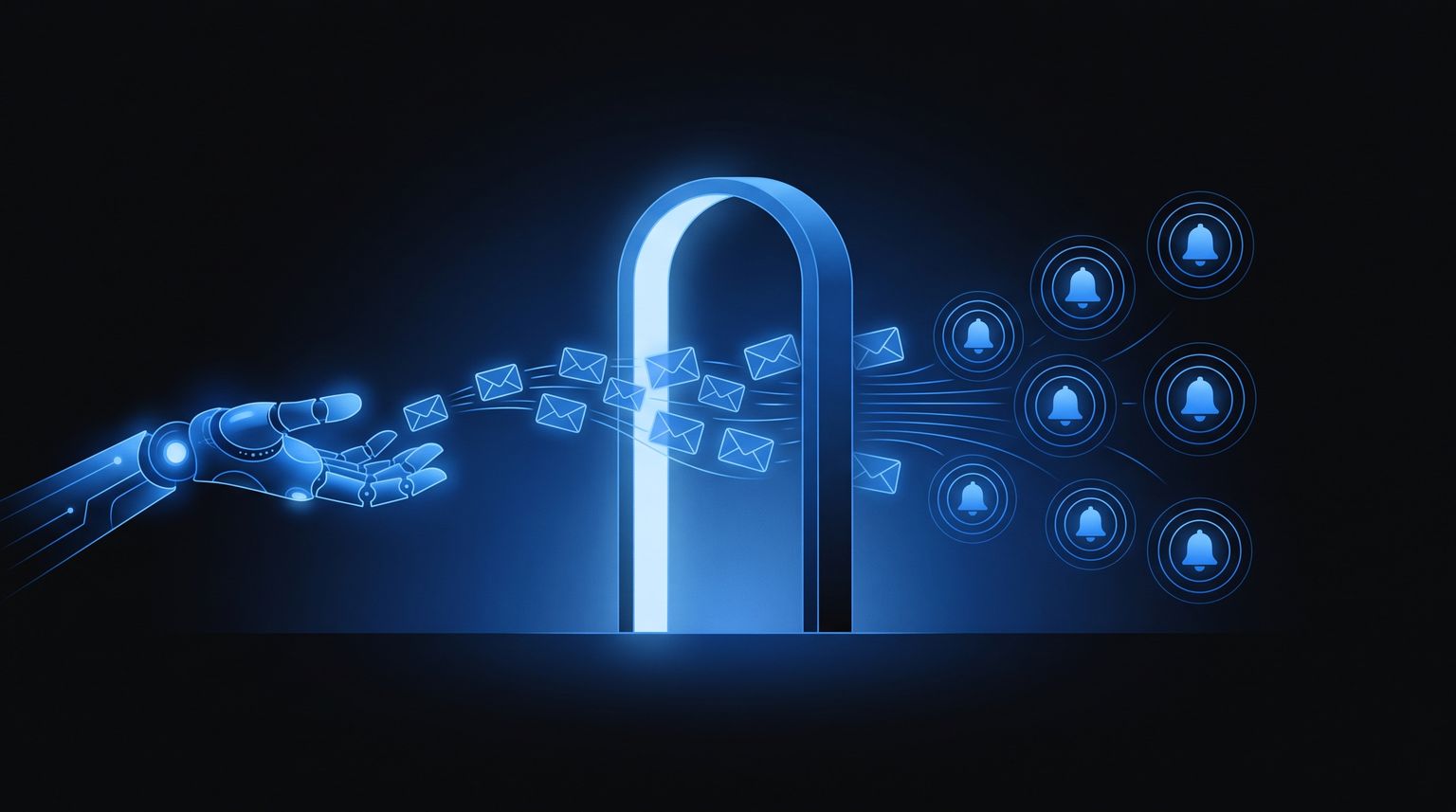
Table of contents
- Why Your Agent Needs a New Kind of Inbox
- What Notification as a Service Actually Means
- The Architecture Behind a Modern NaaS
- Where Consumer Inboxes, Transactional APIs, and Agent-Native Email Differ
- Agent-Native Requirements That Traditional NaaS Skip
- Walking Through Real Send and Receive Flows
- Operational Concerns When Agents Send at Scale
- Migrating an Agent Stack to Notification as a Service
You're probably already living inside the problem this category exists to solve. An agent is drafting replies, booking meetings, or triaging support, and the workflow looks fine until it has to communicate with a real person. Then the cracks show, because the system can't own an inbox, can't preserve context cleanly, and can't keep sending in a controlled way without a human stepping in.
Notification as a service treats that communication layer as infrastructure, not a script. That matters more now because teams are no longer just pushing alerts to humans, they're building autonomous systems that need to send, receive, thread, verify, and remember messages at scale. The category has also matured beyond a simple sender. Industry reporting describes a shared stack of queuing, routing, templating, scheduling, and analytics, and market coverage places notification infrastructure in a competitive space alongside major platforms such as Twilio and Amazon AWS SNS while also projecting broader push notification growth from USD 3.02 billion in 2024 to USD 9.62 billion by 2033 in one market estimate, with a 15.2% CAGR from 2025 to 2033 market framing.
Why Your Agent Needs a New Kind of Inbox
An AI agent built on LangChain or CrewAI can sound capable on paper. It can draft follow-ups, schedule meetings, and answer support requests, but it often runs into a basic infrastructure problem the moment it has to use email like a real worker. If it borrows a human's Gmail account, it inherits personal access, manual friction, and a brittle trust model. If it uses a one-way transactional API, it can send, but it doesn't really own a conversation.

Human accounts break under agent workloads
Consumer inboxes were built for people, not software identities. A human operator can glance at a thread, respond when convenient, and recover from a missed message because the memory sits in their head and in their inbox. An agent can't depend on that. It needs a mailbox it can access programmatically, a way to know what arrived, and a way to preserve the full conversation without waiting for someone to click around.
That's why the older mental model of “just use an inbox” falls apart. The category has moved toward centralized delivery because teams need delivery, measurement, and optimization tooling to improve engagement across large audiences, not just a single mailbox. Push notifications became one of the clearest proof points for that shift, with a 2025 benchmark from CleverTap placing average click-through at approximately 2.25% across industries and another 2025 summary reporting opt-in rates from 23% to 92% depending on vertical and platform CleverTap metrics. Those numbers matter less as marketing trivia and more as evidence that managed notification systems won because they could be observed, tuned, and controlled.
Practical rule: if a workflow needs to send, receive, and maintain state across time, it's no longer “email sending,” it's messaging infrastructure.
For teams exploring the broader agent stack, the guide to AI agents for startups is useful context because it shows how quickly the communication layer becomes a platform concern once agents leave demo mode.
NaaS is not a fancier sender
The important shift is conceptual. Notification as a service is not just a polished API that fires off messages. It's a managed primitive with shared delivery logic, visibility, and policy. That's why the market keeps consolidating around infrastructure providers rather than isolated point tools. Once a product has to route across SMS, email, push, voice, and in-app surfaces, the hard part is no longer “can I send one message?” It's “can I control the whole system safely?”
That's the problem an agent native inbox has to solve. It has to act like a real communication endpoint, not a narrow webhook target. In other words, the agent needs a new kind of inbox because the old ones were designed around humans, and the new workload is autonomous.
What Notification as a Service Actually Means
A good definition starts with what the service does for you, not just what it transmits. A notification service usually includes tooling and APIs to design notifications, configure workflows, manage user preferences, deliver messages, and provide logging and analytics. That description also covers both outsourced notification-as-a-service and internal microservice implementations, which means the category is broader than a single vendor product or a single API endpoint notification service overview.
The service is the workflow, not just the send
Think of notification as a service the same way you think about payment processing. You wouldn't call a payments platform “an HTTP post that charges a card.” You'd expect retries, status tracking, fraud controls, reconciliation, and operational visibility. Notification infrastructure deserves the same mental model.
Oracle Cloud Infrastructure's Notifications service gives a concrete example of the pattern. Messages are published to topics and then delivered to subscriptions. Oracle says the service can send human-readable messages through supported endpoints such as email and SMS, and it can also automate tasks through custom HTTPS endpoints and Oracle Cloud Infrastructure Functions OCI Notifications. That topic-and-subscription model makes the category easier to picture because it separates the producer of the event from the delivery target.
A NaaS platform usually has a few shared primitives:
- Queuing, so bursts don't overload the caller.
- Routing, so the right channel or provider gets the message.
- Templating, so message content stays consistent.
- Scheduling, so timing rules aren't hard-coded into apps.
- Analytics, so teams can inspect delivery and engagement behavior.
Those functions are what turn notification into infrastructure. Without them, you just have a send button.
Why the distinction matters for agents
Agents don't need a neat little outbound API. They need a durable communication surface that can hold state, honor preferences, and keep the system observable when messages bounce, repeat, or need a response. That's why notification as a service becomes more than messaging once the workload is autonomous.
The difference shows up in control. A service can manage user preferences, track outcomes, and coordinate delivery across channels. A basic sender can't. For agent workloads, that gap isn't cosmetic. It decides whether the agent can behave like a worker or only like a one-way notifier.
The Architecture Behind a Modern NaaS
A modern notification system works as a pipeline, not a single endpoint. The request lands in an API layer, which accepts and validates intent. A queue absorbs bursts, workers handle routing and provider calls, and storage records what happened. That structure is event-driven and asynchronous, so the caller does not have to wait on slow external systems like SMTP, APNs, FCM, or Twilio after the notification is accepted queue-and-worker design. For a deeper look at the email-facing API layer, see the Robotomail API for email guide.

What happens when a request arrives
A notification request moves through distinct layers, and each one handles a different failure mode. First, the API layer receives the send request and checks it. Then the message queue holds the work so a burst of traffic does not stall the caller. After that, downstream workers take over delivery logic, retries, and dead-letter handling. Storage keeps delivery history and user state, while analytics shows what happened after the send.
That separation matters because the slow part is usually outside your own code. It is the provider, or one of the channel handoffs, that introduces delay. If the provider slows down, the queue gives the system room to breathe. If a message keeps failing, retries stay bounded instead of running forever. If delivery still does not succeed, dead-letter handling preserves the failure for inspection instead of dropping it.
The caller should finish its work as soon as the notification is safely accepted. Delivery can happen later, but the intent needs to be durable immediately.
Why this protects latency and reliability
The main architectural benefit is a narrow request path. It does not wait on a provider response, and it does not try to do every step inline. That lets a notification platform scale from low-volume app alerts to very high message volume while preserving the records operators need, such as delivery history, user preferences, and status tracking across channels.
For teams setting up event-driven alerting, the SMS Activate alert configuration guide is a useful companion because it reflects the same operational problem, how notifications are routed and managed once events start moving through the system.
The design question is no longer “can this endpoint send mail?” It is “where does the platform persist intent, where does it absorb load, and where does it show failure?” A serious NaaS answers all three before it leaves the request path.
Where Consumer Inboxes, Transactional APIs, and Agent-Native Email Differ
There are three tracks teams usually reach for, and they're not interchangeable. Consumer inboxes feel convenient because everyone already knows Gmail or Outlook. Transactional APIs feel clean because they're easy to call from code. Agent-native email sits in a different category because it treats the agent as a real mailbox owner, not just a sender.
| Capability | Consumer Inbox | Transactional API | Agent-Native Email |
|---|---|---|---|
| Can send programmatically | Sometimes, with restrictions | Yes | Yes |
| Can receive inbound replies cleanly | Not built for autonomous use | Limited or treated as secondary | Yes |
| Owns a real mailbox identity | Human account only | No | Yes |
| Preserves threading for the agent | Manual and fragile | Not native | Automatic |
| Designed for bots and autonomous workflows | No | Partially | Yes |
Where consumer inboxes break
Gmail and Outlook were built for human operators. They don't give an agent-friendly mailbox identity in the way autonomous software needs it, and they're not a clean fit for workflows that have to keep sending and receiving without a person clicking through the interface. They also create policy risk because bot-style usage runs into platform terms and account control issues.
Where transactional APIs stop short
Resend, SendGrid, and Mailgun are useful for outbound mail, but outbound is their center of gravity. Inbound often feels bolted on, and that makes them awkward for a non-human identity that has to carry on a conversation. An agent can fire a message, but it still doesn't have a true mailbox identity the way a worker in a shared conversation does.
Why agent-native email is different
Agent-native platforms give the agent a mailbox, inbound webhooks, and automatic threading so replies stay attached to the right conversation. That changes the architecture from “send a notification” to “run a communication loop.” It's the difference between a message transport and an autonomous inbox.
One practical example of the agent-native direction is Robotomail, which exposes programmatic mailbox creation and supports send-and-receive workflows for autonomous agents. The important point isn't the brand name, it's the pattern. If an agent is expected to negotiate, follow up, and remember what was said, it needs a mailbox model that can do more than fire outbound mail.
Agent-Native Requirements That Traditional NaaS Skip
Traditional notification systems usually stop at delivery. Agent-native email has to go further because the mailbox itself becomes part of the agent's operating state. That changes the requirements from “can it send?” to “can a non-human identity safely participate in an ongoing conversation?”
Provisioning and trust need to be automatic
The first requirement is auto-provisioning. An agent shouldn't wait for OAuth handoffs or a human-in-the-loop setup just to get an inbox. It needs a mailbox in a single API call so the workflow can start immediately and stay machine-owned. That sounds simple, but it's a major break from consumer inbox logic, where a human account is the unit of identity.
The second requirement is HMAC signing on every webhook and SSE payload. If the agent receives inbound events, it has to verify that the payload really came from the platform and wasn't altered in transit. That's basic integrity control, but it becomes mandatory once messages can trigger actions.
Conversations need memory, not just delivery
The third requirement is automatic threading. Replies shouldn't scatter into separate records just because the conversation is long or asynchronous. The platform has to preserve context across the whole thread so the agent can reason about the exchange as one conversation.
The fourth requirement is custom domains with auto-configured DKIM, SPF, and DMARC. Agent mail still needs a reputation model, and the domain has to look like a real sending identity rather than a throwaway script. That's especially important when the mailbox is part of customer support, scheduling, or transactional communication.
Scale controls have to be built in
The remaining requirements are operational. Per-mailbox rate limits, suppression lists, storage quotas, and attachment handling with secure uploads and presigned URLs keep a noisy agent from overwhelming its own channel. They also prevent one runaway workflow from turning into a blanket delivery problem.
Rule of thumb: if a mailbox can't prove integrity, preserve thread state, and enforce limits, it isn't agent-ready, it's just another sending endpoint.
This is the gap traditional NaaS products often skip. They optimize the message, while agent-native systems have to optimize the identity that sends and receives it.
Walking Through Real Send and Receive Flows
The easiest way to understand the agent-native pattern is to trace a few small flows. The point isn't the syntax. It's seeing how the mailbox becomes part of the agent's loop instead of an external dependency.

Signup and mailbox creation
An agent can register through REST, CLI, or an SDK, then receive a real mailbox immediately. That's the key move. The mailbox is no longer a human-owned account that the agent borrows, it's an identity the system provisions for the workflow itself.
In practice, that means the agent can start from a clean state, log activity from the first event, and avoid browser-based setup. For teams building around LangChain, CrewAI, AutoGen, or OpenClaw, that difference removes a lot of glue code and a lot of fragile account handling.
Sending and receiving as one loop
A send flow is simple enough to describe in one line. The agent makes a POST request, the platform delivers the email, and inbound responses come back through webhooks, server-sent events, or polling, with HMAC verification protecting the payloads. That design lets the agent treat inbound mail as an event source, not as a separate manual process.
The important detail is that the receiving side isn't an afterthought. The reply can trigger the next step in the workflow, which means the agent can continue a conversation without waiting for a human to collect messages from a separate inbox.
Threaded conversations stay coherent
A threaded reply flow is what makes the whole model usable. The user answers, the platform preserves the thread, and the agent sees the response in context instead of as a detached message. That matters for support, scheduling, and any workflow where one exchange depends on the earlier one.
If you're documenting this kind of system for an engineering team, the creating documentation for AI agents resource is a good companion because these flows only work well when the mailbox semantics are written down clearly.
Operational Concerns When Agents Send at Scale
The quiet failure mode of autonomous messaging is success. Once an agent can send reliably, it can start sending too often, too broadly, or too repetitively. That is why message fatigue, consent, and user-control design become product constraints instead of support concerns. Courier's framing is useful here because the tension sits between autonomous workflows that want to notify often and users who want fewer interruptions and more control fatigue and control.
Preference-aware orchestration matters more than volume
A platform has to choose the right channel for the right kind of urgency. Push and in-app fit immediate action, while email works better for reference material or lower-urgency follow-up. The orchestration layer should also batch less urgent alerts into digests, suppress repeated sends, and respect per-user preferences by category and timing.
Blind automation gets dangerous fast. An agent that sends every small update as a fresh notification creates noise that can bury the messages people need. The better design is to make send logic aware of context, repetition, and channel fit before anything leaves the system.
For teams that need practical guidance on volume control, the guide to sending bulk emails is a useful reference point. Bulk sending and agentic sending are not the same thing, but the operational pressure is similar once a system starts producing a steady stream of outbound messages.
Keep the operating rules visible
The DRJ white paper on best practices recommends a few controls that are easy to forget when a platform is moving fast. It says to identify the sender immediately, keep content concise and specific, confirm recipients, confirm recipient responses, and establish a regular testing schedule operational best practices. Those rules sound simple, but they are the guardrails that keep high-volume automation legible.
A practical checklist for teams usually looks like this:
- Confirm sender identity: users should know who or what sent the message right away.
- Limit repeated alerts: suppress duplicates before they become a habit.
- Use the right channel: choose urgency over convenience.
- Test regularly: broken notification flows fail unless someone checks them.
- Verify replies: confirm the response loop closes.
High-volume agent stacks need restraint as much as throughput. The healthiest system is often the one that knows when not to send.
Operationally, this is also where storage, delivery metrics, and suppression lists start paying for themselves. A system that cannot see its own noise cannot govern it.
Migrating an Agent Stack to Notification as a Service
If your current setup is a Gmail hack, a generic transactional sender, or a self-hosted Postfix server, the choice is between building infrastructure, patching around it, or buying a platform that already knows this problem space. The build path usually means weeks of SMTP work, DNS handling, IP warming, retries, threading, and inbound parsing. The hack-together path usually hits platform terms, manual provisioning, and one-way send logic that doesn't match a true agent workflow. The buy path gives you a managed system that already treats delivery, identity, and thread state as product features.
A simple decision rule
Choose build only if your team needs deep control over every layer and can afford the operational overhead. Choose hack-together only for experiments that don't need real autonomy. Choose buy when the mailbox is part of the application, not a side effect of it.
That's where a platform like Robotomail fits. It provides a real mailbox for autonomous agents, supports send-and-receive flows, and includes controls like HMAC verification, threading, suppression, rate limiting, and custom domains. The entry points are straightforward too, with a free tier that includes one mailbox, 50 sends per day, and 1,000 monthly sends, and a Pro plan that adds multiple mailboxes, higher limits, custom domains, expanded storage, and priority support.
A migration checklist that keeps the work contained
Start by identifying one workflow that already needs inbox state. Move that path to a mailbox model that can receive replies and preserve threading. Then add webhook verification, define suppression rules, and document which notifications the agent is allowed to send without human approval.
If the workflow needs autonomous follow-up, the mailbox has to be part of the system design from day one.
That's the migration line. When email is just a delivery channel, a sender is enough. When email is a working surface for agents, notification as a service becomes the infrastructure layer that keeps the whole thing coherent.
If you're building autonomous email workflows, Robotomail gives you the mailbox, threading, and verification layer that agents need to operate without human handoff. It's a practical way to move from brittle inbox hacks to real notification infrastructure, so visit Robotomail and evaluate whether its agent-native mailbox model fits your stack. For OpenClaw specifically, the OpenClaw email guide covers the whole setup.
Give your AI agent a real email address
One API call creates a mailbox with full send and receive. Webhooks for inbound, automatic threading, deliverability handled. 30-day money-back guarantee.
Related posts
10 Email Automation Best Practices for 2026
Master our top 10 email automation best practices for AI agents. Learn about DKIM, webhooks, threading, and more for secure, reliable agent-native email.
Read post
Inbound Package Meaning: From Warehouse Box to API Payload
Confused by the 'inbound package meaning'? Learn the critical difference between the logistics term and the API payload concept AI developers must know.
Read post
What Is Email Api: A Developer's Guide for 2026
Discover what is email api and how it works for developers. This 2026 guide covers REST vs SMTP, data flows, security, and AI use cases.
Read post