Email for AI Agents: Why SMTP Doesn't Work
SMTP is a 40-year-old protocol designed for server-to-server relay. Here's why using it directly for AI agents is the wrong abstraction and what to use instead.

John Joubert
Founder, Robotomail
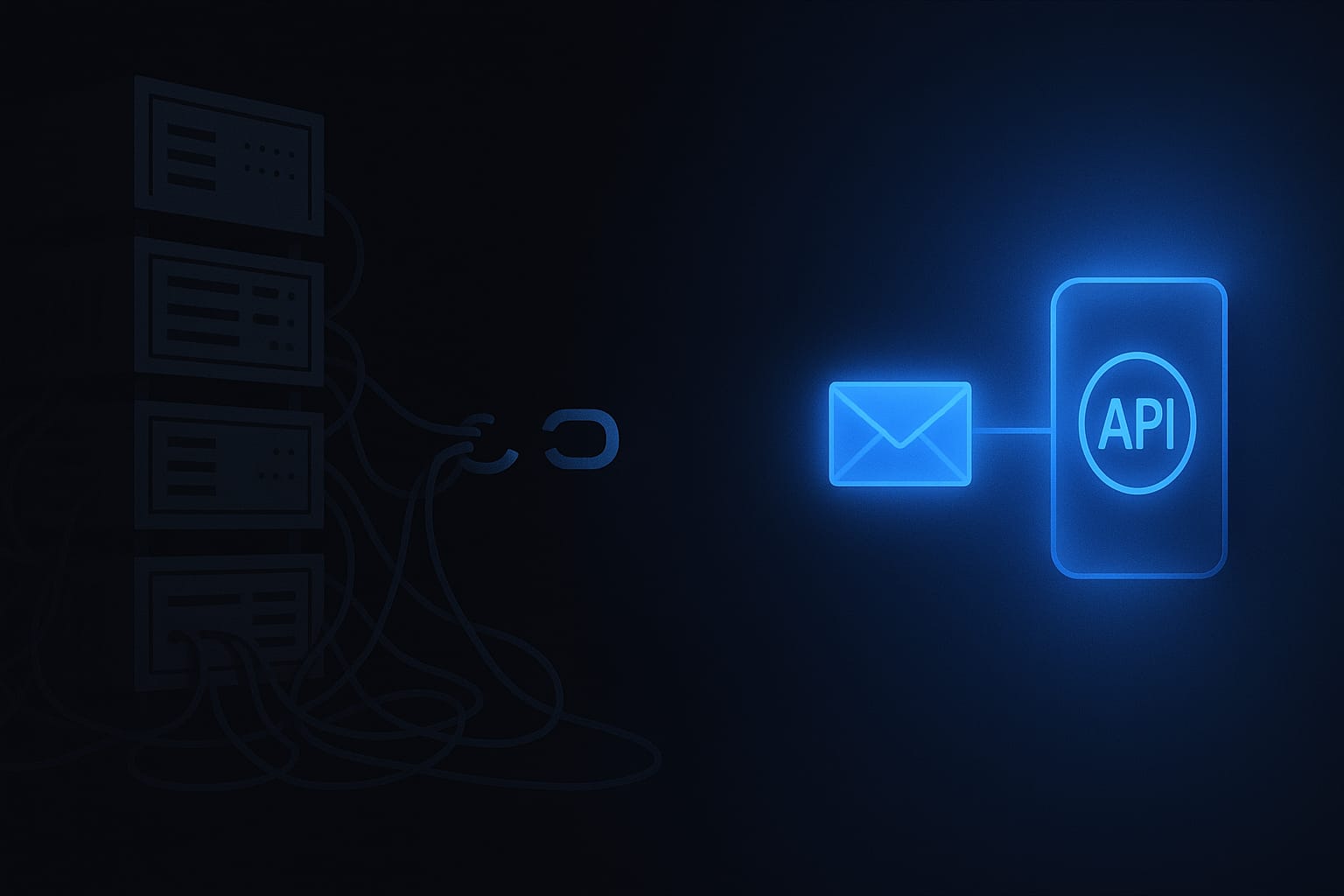
Table of contents
When developers need to send email from an AI agent, the instinct is to reach for SMTP. It's the standard protocol for email delivery. Every programming language has SMTP libraries. It feels like the “proper” way to do email.
It isn't. SMTP is a 40-year-old protocol designed for server-to-server mail relay. Using it directly for an AI agent is like running your own DNS server instead of using Cloudflare. You can do it. You probably shouldn't.
What SMTP actually requires
To send email over SMTP, you need a mail server. That means:
- A server running Postfix, Exim, or similar. You need to install, configure, and maintain an MTA (Mail Transfer Agent). The configuration files alone are hundreds of lines.
- DNS records. MX records for receiving, SPF records to authorize your server, DKIM keys for message signing, DMARC policies for authentication. Get any of these wrong and your email goes to spam.
- TLS certificates. STARTTLS for encrypted connections. Let's Encrypt helps, but you still need to manage renewal and configuration.
- A clean IP address. New IPs have no sending reputation. You need to warm the IP gradually over weeks, sending small volumes and slowly increasing. Send too fast and you get blacklisted.
- Ongoing ops. Monitoring deliverability, handling bounces, processing feedback loops, rotating DKIM keys, checking blacklists, managing queues. This is a full-time job.
If you've done it, you know: running a mail server is one of the most thankless ops tasks in software. If you haven't, trust the people who have.
The deliverability trap
The biggest problem with raw SMTP isn't setup complexity. It's deliverability. Even if you configure everything correctly, your email may still land in spam:
- Cloud provider IPs (AWS, GCP, Azure) are frequently blacklisted because spammers use them. Sending from an EC2 instance is almost guaranteed to hit spam filters.
- New domains have no reputation. Even with perfect DNS, Gmail and Outlook will be suspicious of a domain that just started sending.
- AI-generated email content can trigger spam filters. The patterns that LLMs produce (formulaic openings, certain phrases) are increasingly flagged.
Managed email services solve this by maintaining warm IP pools with established reputations, handling bounce processing and feedback loops automatically, and configuring authentication (DKIM, SPF, DMARC) as part of onboarding.
SMTP is also send-only
Even if you get sending working, SMTP only solves half the problem. Receiving email requires running an IMAP or POP3 server (or an SMTP server configured for inbound), plus a way to poll or push new messages to your agent. That's another server to run, another protocol to implement, and another attack surface to secure.
For an AI agent that needs to have real conversations, you need both sending and receiving through a single identity. SMTP gives you sending (with enormous effort). Receiving is a whole separate project.
What to use instead
The alternative is an API that abstracts SMTP entirely. Your agent makes REST API calls to send and receive email. The infrastructure handles SMTP delivery, DKIM signing, IP reputation, bounce processing, and inbound routing. You never touch a mail server.
# SMTP: configure server, DNS, TLS, DKIM, warm IP...
import smtplib
server = smtplib.SMTP('your-server.com', 587)
server.starttls()
server.login('user', 'password')
server.sendmail(from_addr, to_addrs, msg.as_string())

# API: one HTTP request
curl -X POST https://api.robotomail.com/v1/mailboxes/{id}/messages \
  -H "Authorization: Bearer rm_..." \
  -d '{"to": ["them@example.com"], "subject": "Hi", "bodyText": "..."}'
The API approach is not just simpler. It's also more reliable, because the infrastructure provider handles deliverability, reputation, and all the operational complexity that makes SMTP painful.
Read how to send email from an AI agent for complete Python and Node.js examples, or check the build vs buy comparison for a full breakdown of the trade-offs.
Give your AI agent a real email address
Create a mailbox, connect your agent and test a conversation. Send, receive and retrieve the thread through one API.
Related posts
Best Email for AI Agents: What to Evaluate
Compare agent mailbox workflows, existing-account access and inbound email APIs. Start with Robotomail and evaluate a complete send-and-reply conversation.
Read post
4 Ways to Get an Email Address for an AI Agent
The four ways to give your AI agent an email identity: Gmail, forwarding aliases, transactional APIs, and agent-native platforms. Trade-offs for each option.
Read post
Why Your AI Agent Needs a Real Inbox Now
Send-only email is a dead end for AI agents. Without inbound, your agent can't handle replies, thread conversations, or close the loop on any real workflow.
Read post